
post

Inside the Relief Teacher Hustle: Lessons from the Classroom Trenches

Does the thought of getting a 6:45 am phone call to teach at a random school give you a headache? You’re not the only one.

Plenty of relief teachers love the idea of flexible work, but dread the chaos that comes along with it.

Trust us, there’s a better way. A well-planned relief teaching practice lets you handle the unpredictability without burning out. These strategies will have you feeling confident and prepared, even when schools call at short notice (and honestly, the work becomes way more manageable).

In this guide, we’ll walk you through what makes relief teaching unique, survival tactics for chaotic classrooms, and building a sustainable practice. You’ll handle unpredictable schedules and unfamiliar classrooms while creating a career that actually works.

Stay with us to learn how it all works.

What Makes Relief Teaching Different from the Regular Classroom?

Relief teaching differs from regular classrooms in three major ways: unpredictable schedules, managing someone else’s systems, and building rapport quickly. Unlike permanent teachers who establish routines over months, you’re constantly adapting to new environments with almost zero prep time.

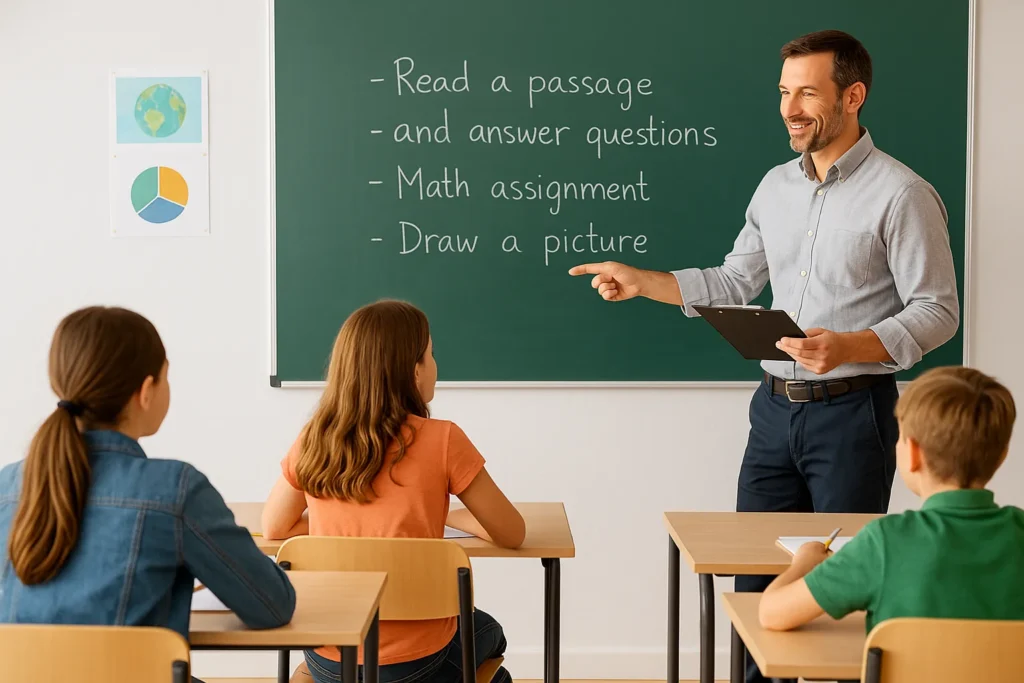
Relief teacher entering a new, busy classroom.

Here are the three core differences you’ll face as a relief teacher.

The Unpredictable Schedule of Substitute Teachers

Some weeks, you’re booked solid with back-to-back jobs. Other weeks, your phone stays silent, and the work dries up completely. This inconsistency messes with your sleep, your plans, and your income.

That’s why you need to set boundaries early with schools. Let them know your minimum notice period upfront. For example, some relief teachers won’t accept jobs with less than 12 hours’ notice, while others stay flexible but plan their energy accordingly.

Walking Into Someone Else’s Classroom Management System

And that’s where things get interesting. Each permanent teacher builds unique classroom systems with specific rules and consequences. As a relief teacher, you must maintain discipline using their methods, even when they don’t match your style.

The challenge starts immediately when you walk in. Within minutes, students test new teachers to see if you’ll uphold standards or let things slide. To handle this, use the classroom teacher’s seating plan, point to posted rules, and show respect for their established approach.

Building Rapport With Students You Might Never See Again

Based on our observations, relief teachers who get to know students quickly manage classrooms better. You might think building trust in one day is impossible. But research on positive teacher-student relationships proves that single interactions still create a meaningful impact.

You can start by learning names in the first ten minutes. Then ask about their weekend or what they’re working on, and show genuine interest. This simple strategy works because students remember those teachers who treated them with respect, even for just one lesson.

Now let’s look at managing the actual chaos when you’re in front of a full class.

The Daily Chaos of Relief Teacher Life

Picture this: a new school, an unfamiliar classroom, and minimal instructions from the permanent teacher. Meanwhile, a full class of students watches your every move while you figure out what to teach. This scenario plays out several times each week for relief teachers.

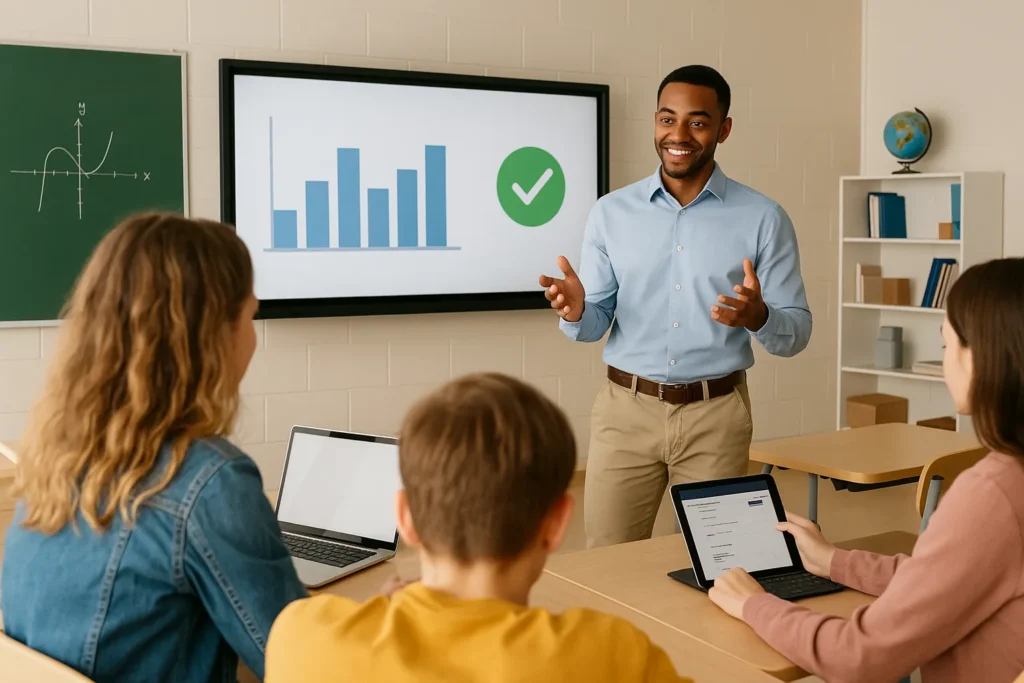
Relief teacher entering lively classroom, assessing students

Relief teachers who last in this job rely on three specific strategies to manage the chaos.

  • Resources Relief Teachers Actually Need:

You need backup materials ready before you even step into the classroom. Through our hands-on experience, relief teachers who carry their own resources handle unexpected situations far better. For example, keep emergency lesson activities, printed worksheets, and educational games that work across different subjects and year levels.

  • Making Sense of Lesson Plans You Didn’t Write:

Starting with what the classroom teacher left behind saves time and stress. Before class begins, take a few minutes to read through their notes and get the basic idea. When things still don’t make sense, review yesterday’s work with students first to gauge where they’re at.

  • Reading the Room in Your First 30 Seconds:

To assess the class quickly, scan for body language and energy levels the moment you walk in. At the same time, make eye contact with as many students as possible in those first moments. These observations help adjust the approach and maintain discipline from the start.

Handling today’s chaos is half of the battle, but what about next week and the week after that?

Building Your Relief Teaching Practice Over Time

Daily survival tactics help, but building a sustainable relief teaching practice requires thinking beyond today’s classroom. Yet the real challenge lies in moving from survival to long-term success, and that difference comes down to creating systems that work everywhere.
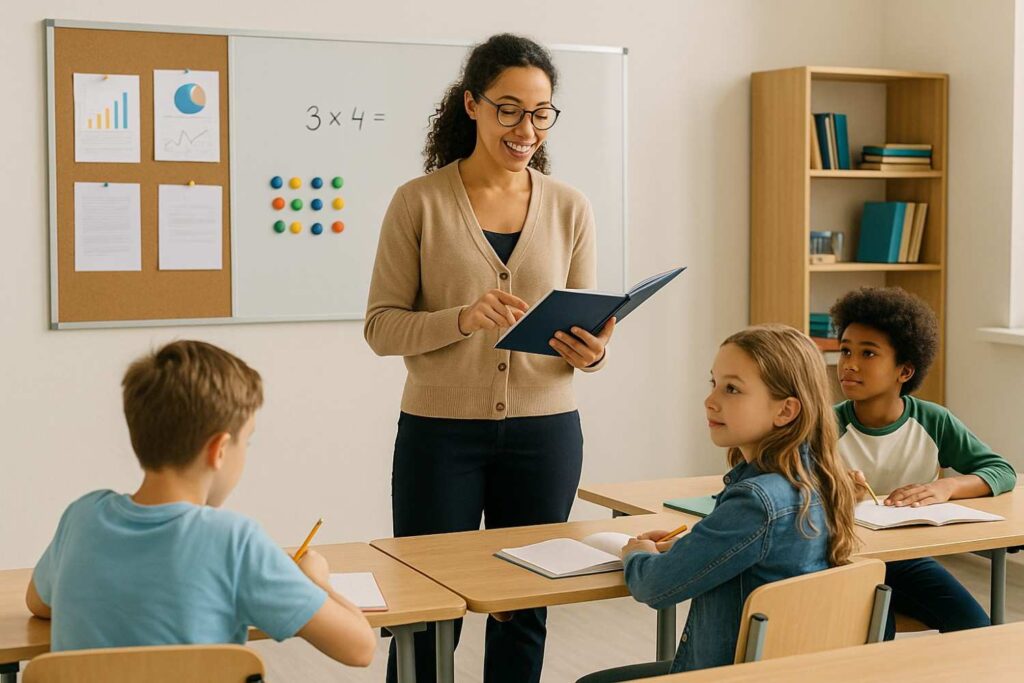
Relief teacher guiding students using organised materials

Three specific steps create a relief teaching career that lasts.

  • Step 1: Creating a System That Works Across Different Schools:

Our team has found that relief teachers with portable systems adapt faster to any classroom. And the first step is developing a consistent teaching approach that flexes to different environments. Next, create lesson templates and classroom management techniques you can carry from school to school.

  • Step 2: Resource Books and Materials Worth Keeping in Your Boot:

Most relief teachers carry half their life in the car boot, but not everything deserves that space. Instead, keep one book of versatile activities that engage students across primary and secondary levels. Alongside it, pack a few practical essentials like markers, timers, and reward stickers, the items schools always seem to run out of.

  • Step 3: Using Relief Work to Build Your Teaching Career:

Believe it or not, casual relief positions often lead to permanent teaching roles at schools. When you approach each assignment as an opportunity to build trust and showcase your professionalism, you strengthen your prospects for future roles. Consequently, many schools choose to hire relief teachers they are already familiar with for long-term positions.

All these strategies point to one bigger truth about relief teaching.

Your Relief Teaching Path Forward

Relief teaching demands constant adaptation to unpredictable schedules, unfamiliar classrooms, and students you might never see again. The chaos can be exhausting and isolating. But with the right strategies and support systems, this challenging career becomes manageable and even rewarding for teachers who stay prepared.

This guide covered what makes relief teaching unique, daily survival tactics for chaotic classrooms, and building sustainable practices over time. From managing unpredictable schedules to creating portable systems, these strategies give the relief teachers the tools to handle uncertainty while maintaining confidence and professionalism in every classroom.

Beyond strategies, having the right agency support becomes essential. Francis Orr connects relief teachers with schools seeking qualified educators across Australia. We help you find teaching positions that match your needs, from casual flexibility to permanent stability.


post

Why Classroom Technology Helps Kids Learn Faster

Teachers today are overwhelmed by the demand to adapt to various learning styles and produce measurable outcomes, often with minimal time and support.

Everyone talks about how classroom technology can help solve these problems. But when you’re already juggling so much, adopting a new method feels like another mountain you have to climb.

So in this post, we’ll walk you through what works in classrooms and what doesn’t. We’ll explore common worries about classroom tech and how to use it to support students without increasing your workload.

First, we’ll see how tech can make learning more effective.

How Classroom Technology Improves the Learning Experience

How Classroom Technology Improves the Learning Experience

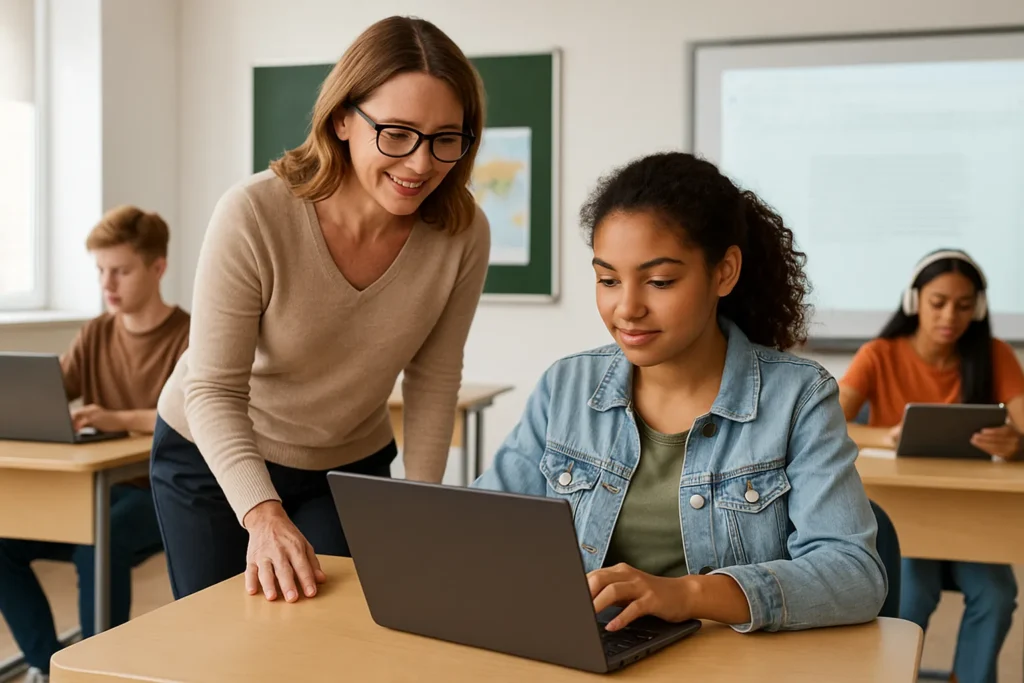
Technology is changing everything about how kids learn today. Digital tools help students learn better and give teachers ways to engage every student.

So what does this actually look like in practice?

Real-Time Feedback and Student Progress

Imagine getting your quiz results weeks after you’ve moved on to the next unit. That’s how things used to work before technology became the norm. Now, digital platforms show you immediately how each student is doing by recording every quiz and assignment automatically.

This instant feedback can help you see which students are struggling before they fall too far behind.

Tools like Google Classroom make this tracking even more simple. Students can see their own progress over time, which can motivate them to keep pushing forward.

Boosting Student Engagement

Let’s be honest, reading from a textbook for an hour puts most kids to sleep. Interactive tools solve this problem by keeping students engaged through educational apps, videos, and games that make learning more fun.

The numbers back this up too. A study found in the Journal of Education for Business shows 67% of students say gamified lessons motivate them more than regular classes.

Plus, different students learn differently, which technology has also adapted to. For instance, some kids learn best by seeing things visually, while others learn better through hands-on activities. Digital tools can support both by including videos, interactive simulations, and practical exercises in one lesson.

Reducing Teacher Workload

Want to know what teachers really need? The answer is more time, and technology can give it to them by handling the boring tasks, like grading simple quizzes, tracking attendance, and organizing materials automatically.

AI tools can help with other repetitive tasks, too, like lesson planning and content creation. This means you spend less time on paperwork and more time actually connecting with your students.

The best part? Your school already has these tools available. Platforms like Microsoft 365 and Google Workspace include AI features now that automate common tasks.

These benefits sound promising, but how do you match the right technology to each student’s unique way of learning?

Matching Digital Technologies to Diverse Learning Styles

Matching Digital Technologies to Diverse Learning Styles

As we mentioned earlier, classrooms are full of students with unique learning styles. So let’s find out how you can use digital tools to help every student learn in their own way.

Visual, Auditory, and Kinesthetic Learners

Visual learners need to see concepts upfront to grasp them. These are the students who remember diagrams and charts better than spoken instructions. So videos, infographics, and interactive whiteboards will work brilliantly for them. Even simple PowerPoint presentations with clear images can help these kids connect ideas visually.

Then you have auditory learners who absorb information best through listening. We recommend using podcasts, audiobooks, and recorded lectures to explain your topics efficiently.

For younger students, apps like Me Books help them hear stories read aloud while following along on screen. This combination strengthens both their listening and reading skills at the same time.

Now, kinesthetic learners are different. They thrive when they can move around and interact directly with the material. Interactive simulations and hands-on digital activities can keep these students engaged.

Personalised Learning Tools

Adaptive platforms take things even further by customising content for each student. These smart systems watch how a student performs and adjust automatically.

Struggling with fractions? The platform gives more practice. Mastered multiplication quickly? It moves them ahead to division. This means every student works at their own speed. And nobody gets left behind feeling lost, or sits bored waiting for others to catch up.

Digital tools can also instantly translate lessons into the student’s native language. So multilingual learners can keep up with their classmates while they’re still building their English skills.

Inclusion and Accessibility

Technology opens doors for neurodiverse students in ways traditional classrooms sometimes can’t.

For example:

  • Text-to-speech tools help dyslexic learners access written content without struggling. 
  • Screen readers support visually impaired students. 
  • Voice-to-text features help kids with physical challenges who find typing difficult.
  • Students with ADHD benefit from structured digital environments with clear visual cues that help them stay focused. 
  • Autistic learners often respond well to the predictable interfaces and consistent routines that technology provides.

The best part about it is that one digital tool can support these multiple learning styles at once. The same educational app can use graphics, sound, and interactive features to give students multiple ways to engage with the material.

The next challenge is putting those tools into action.

How to Build Lesson Plans That Engage Students Using Digital Tools

How to Build Lesson Plans That Engage Students Using Digital Tools

You’ve got the technology and your students are ready. But how do you actually turn all these digital tools into lessons that work? The answer is to simply use less.

Here’s how to create lesson plans that combine traditional teaching with smart technology.

Avoiding Tech Overload

Schools today have access to thousands of digital tools. With that many options floating around, we don’t blame you for feeling overwhelmed. Teachers spend too much time moving between platforms, and students forget passwords or lose assignments, which makes the system more confusing than helpful.

The solution is to choose one or two reliable tools and master them first. Start by picking a learning management system like Google Classroom or Microsoft Teams as your home base. After you’ve got the hang of that, you can add only the tools that genuinely solve a specific problem you’re facing.

Planning for Results

Fun digital activities grab attention. That’s the easy part. But engagement alone won’t guarantee learning. So before adding any technology to your lesson plans, take a moment to ask yourself what students need to demonstrate by the end.

This means making sure your tools connect directly to curriculum goals. Suppose your students need to write persuasive essays. In that case, choose tools that strengthen writing skills specifically.

Similarly, if they’re learning fractions, pick apps that build mathematical thinking. The technology should support your teaching objectives rather than distract from them.

Sample Hybrid Lesson Plan Framework

You can follow this straightforward model to mix traditional and digital teaching:

Begin your week with face-to-face instruction to introduce new concepts. Students benefit enormously from that direct teaching time with you.

For weekends, assign digital activities that reinforce what you taught in person. Students might watch short videos, complete interactive exercises, or collaborate online with classmates. Keep these assignments focused and manageable so students don’t feel lost working independently.

The goal is for your students to return prepared to put their learning into practice. They solve problems together, ask questions, and demonstrate learning, while technology supports tasks that benefit most, such as data analysis or multimedia creation.

Create a Better Classroom Experience with Smart Technology

Now, don’t expect technology to transform your entire classroom overnight.

You need to start by choosing one student pain point you’re seeing right now. Maybe kids struggle to keep track of assignments or they need more writing practice.

Once you’ve identified that, match it to one simple digital tool. Then plan just one lesson using it. Test how it goes, adjust what didn’t work, and try again.

Our teaching resources support exactly this gradual process. Visit Francis Orr today to see how technology can be smoothly brought into your classroom.